
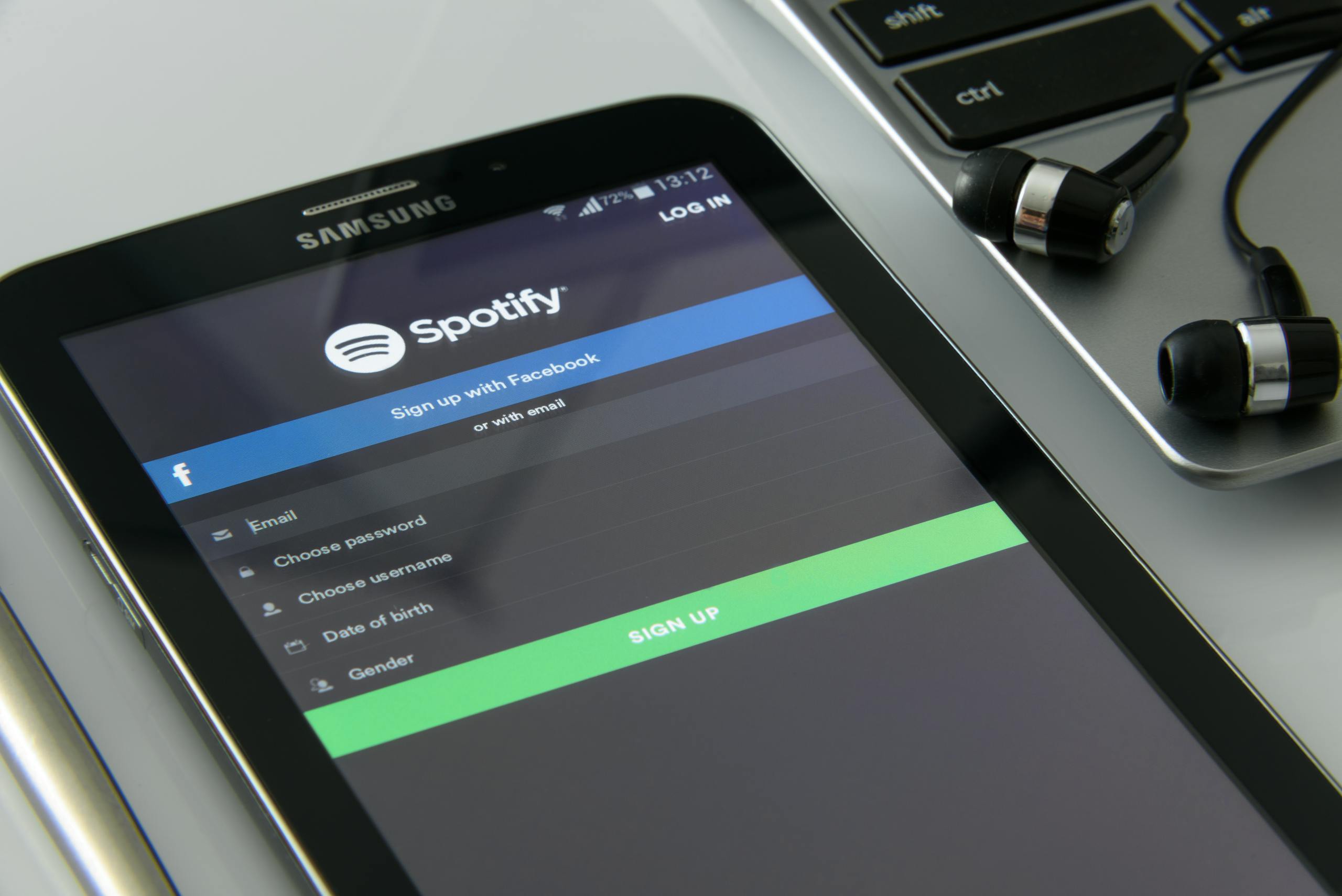
Spotify Downloader Guide: Safe Ways to Save Music Offline
Music streaming has become a daily habit for millions of users who want instant access to songs anytime. A Spotify Downloader is often searched by people looking for ways to save music for offline listening. While Spotify already offers built-in offline features, many users still explore different tools and methods for convenience. Understanding how these tools work, what is legal, and what risks are involved is important before using any third-party option. This guide explains safe, practical, and legitimate ways to enjoy music offline without compromising device security or account safety.
What is a Spotify Downloader?
A Spotify Downloader generally refers to tools or software designed to save Spotify tracks for offline use. These tools claim to convert streaming content into downloadable audio files. However, not all of them operate within legal or safe boundaries. Some are unofficial applications that bypass platform restrictions, which can create risks for users. In most cases, the term is used broadly to describe both legitimate offline features and unauthorized third-party downloaders. Understanding this distinction helps users avoid security issues and stay compliant with music streaming policies.
Official Offline Listening Options
Spotify already provides a legal and safe way to enjoy music without internet access through its built-in download feature. With a premium subscription, users can download playlists, albums, and podcasts directly inside the app. These files remain encrypted and accessible only within Spotify’s ecosystem. This ensures copyright protection while offering smooth offline playback. Instead of relying on external tools, using Spotify’s native feature is the safest method. It guarantees high audio quality, regular updates, and full compliance with licensing agreements, making it the most reliable option for offline listening.
Types of Spotify Downloader Tools
When people search for a Spotify Downloader, they often find different categories of tools. Some are browser-based converters that claim to extract audio from playlists, while others are software applications installed on devices. There are also mobile apps that advertise offline conversion features. However, these tools vary widely in safety, legality, and performance. Official Spotify features remain the only supported method, while third-party solutions often lack authorization. Users should carefully evaluate each option before use, as many of these tools may violate platform rules or compromise personal data security.
Risks and Safety Concerns
Using unauthorized download tools can introduce serious risks. Many third-party Spotify Downloader applications contain malware, intrusive ads, or hidden tracking systems. These can harm devices or steal sensitive information. Additionally, using such tools may violate Spotify’s terms of service, potentially leading to account suspension or bans. There is also the issue of poor audio quality and unreliable downloads. Because of these concerns, users are strongly encouraged to avoid unverified platforms. Prioritizing security and legal compliance ensures a safer and more stable music experience in the long term.
Features to Look for in Safe Tools
If users explore any music-saving solution, it is important to know what safe features look like. A trustworthy Spotify Downloader alternative should have clear licensing information, strong user reviews, and transparent functionality. It should not require unnecessary permissions or suspicious downloads. Secure platforms typically offer encrypted connections and do not ask for Spotify login credentials. Additionally, reliable tools should provide consistent audio quality and stable performance. Even then, users should prioritize official streaming features over external solutions to ensure long-term safety and compliance with copyright rules.
Also Read : Buy YouTube Views Lalaloot: The Ultimate Guide to Channel Growth
Best Legal Alternatives
Instead of relying on risky tools, there are several legal alternatives available for offline music access. Spotify Premium remains the most reliable option, offering unlimited downloads within the app. Other licensed music services also provide offline playback features under subscription models. These platforms ensure artists are compensated while users enjoy high-quality audio. Compared to an unofficial Spotify Downloader, legal services offer better security, regular updates, and uninterrupted access. Choosing licensed platforms supports the music industry and eliminates risks associated with unauthorized software.
Tips for Safe Music Downloading
Safe music access requires awareness and smart usage habits. First, always use official apps or trusted platforms for downloading content. Avoid unknown websites that promise free Spotify Downloader tools, as they often contain harmful software. Keep your device updated to protect against vulnerabilities. Use antivirus protection when browsing or installing apps. Additionally, never share personal login details with third-party services. Understanding these precautions helps users maintain both privacy and device safety while enjoying offline music without unnecessary risks or legal concerns.
FAQs
1. What is a Spotify Downloader used for?
A Spotify Downloader is commonly described as a tool that saves music from Spotify for offline use. Some are official features within the app, while others are third-party tools. The official method allows offline listening safely through a subscription. Unauthorized versions may attempt to extract audio files, but they often violate platform rules and may expose users to security risks. It is important to understand the difference between legal offline downloads and unsafe external applications before using any tool.
2. Is it safe to use Spotify Downloader tools?
Most third-party Spotify Downloader tools are not considered safe because they can contain malware or unwanted tracking software. They may also request sensitive login information, which increases the risk of account theft. In addition, using such tools can violate Spotify’s terms of service. The safest option is to use Spotify’s built-in offline download feature, which is fully secure and supported by the platform. This ensures both data protection and uninterrupted access to music.
3. Can I download Spotify songs legally?
Yes, Spotify allows legal downloading through its Premium subscription. Users can download songs, playlists, and podcasts directly within the app for offline listening. These downloads are encrypted and cannot be transferred outside the platform. This method respects copyright laws and ensures artists are properly compensated. Instead of relying on unofficial tools, using the built-in feature is the recommended and fully legal way to enjoy music offline.
4. Why do people search for Spotify Downloader tools?
Many users search for Spotify Downloader tools because they want offline access without subscribing to premium services. Others may be unaware of Spotify’s built-in download feature. Some are simply looking for free alternatives, even though these may carry risks. However, most third-party tools are unreliable and potentially unsafe. Understanding official options helps users avoid unnecessary risks while still enjoying convenient offline music access.
Conclusion
A Spotify Downloader is a commonly searched term, but its meaning varies between official and unofficial methods. While third-party tools may seem convenient, they often come with security risks and legal concerns. Spotify already provides a safe and effective offline download feature through its Premium subscription, making external tools unnecessary for most users. By choosing legal options, users protect their devices, support artists, and ensure a smooth listening experience. Ultimately, safe and authorized methods remain the best way to enjoy music offline without complications.